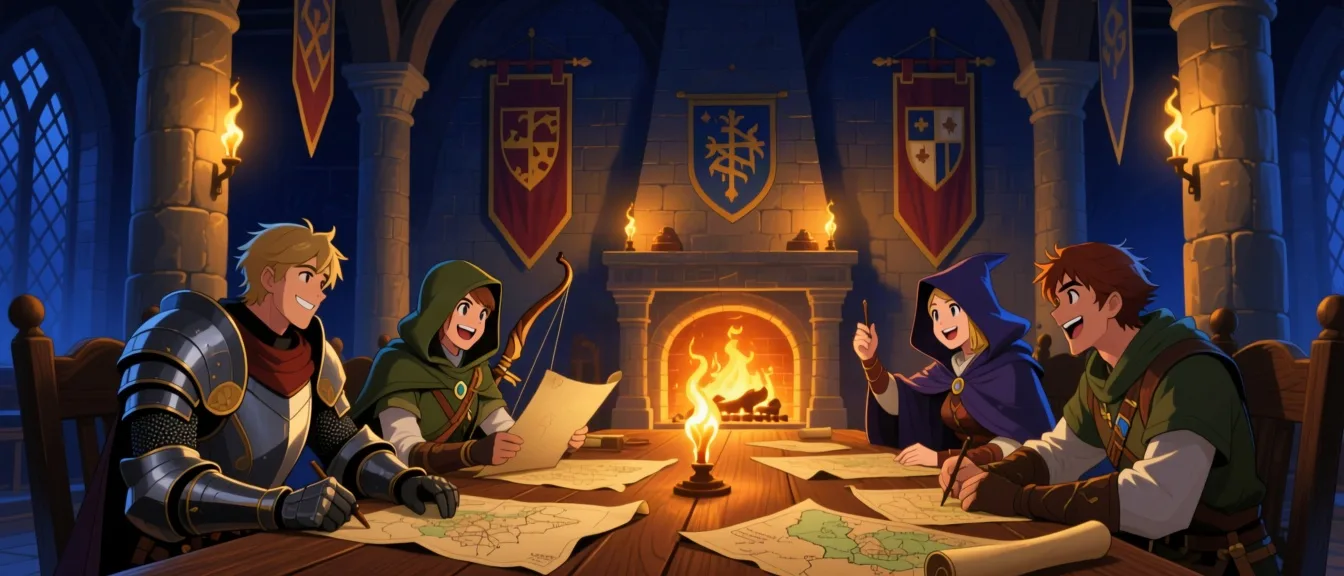
Guilds & Community
Find your party
Start or join a guild, post to the wall, and share your characters, books, and gear with people who are building the same kind of world you are.
Raise your banner
Create a guild in seconds and make it public, or private behind approved join requests.
A wall worth posting on
Share up to 5,000 characters of text, an image, or a snapshot of a book, character, or equipment item.
Real roles, real moderation
Owners promote trusted members to moderator, and every post supports likes and threaded comments.
How it works
- 1
Create a guild in seconds — name, description, and a public or private setting.
- 2
Members post to the wall: text, an image, or a shared character, book, or equipment item.
- 3
Private guilds route new members through a join request an owner or moderator approves.
- 4
Owners can promote trusted members to moderator; posts support likes and threaded comments.
- 5
Browse the directory to find your people — private guilds are discoverable too, you just request to join instead of walking in.
Ready to try it yourself?
Start Adventure →